Digital Twin Build — Recreate Your Plant and Equipment in 3D, and Change Layouts Virtually
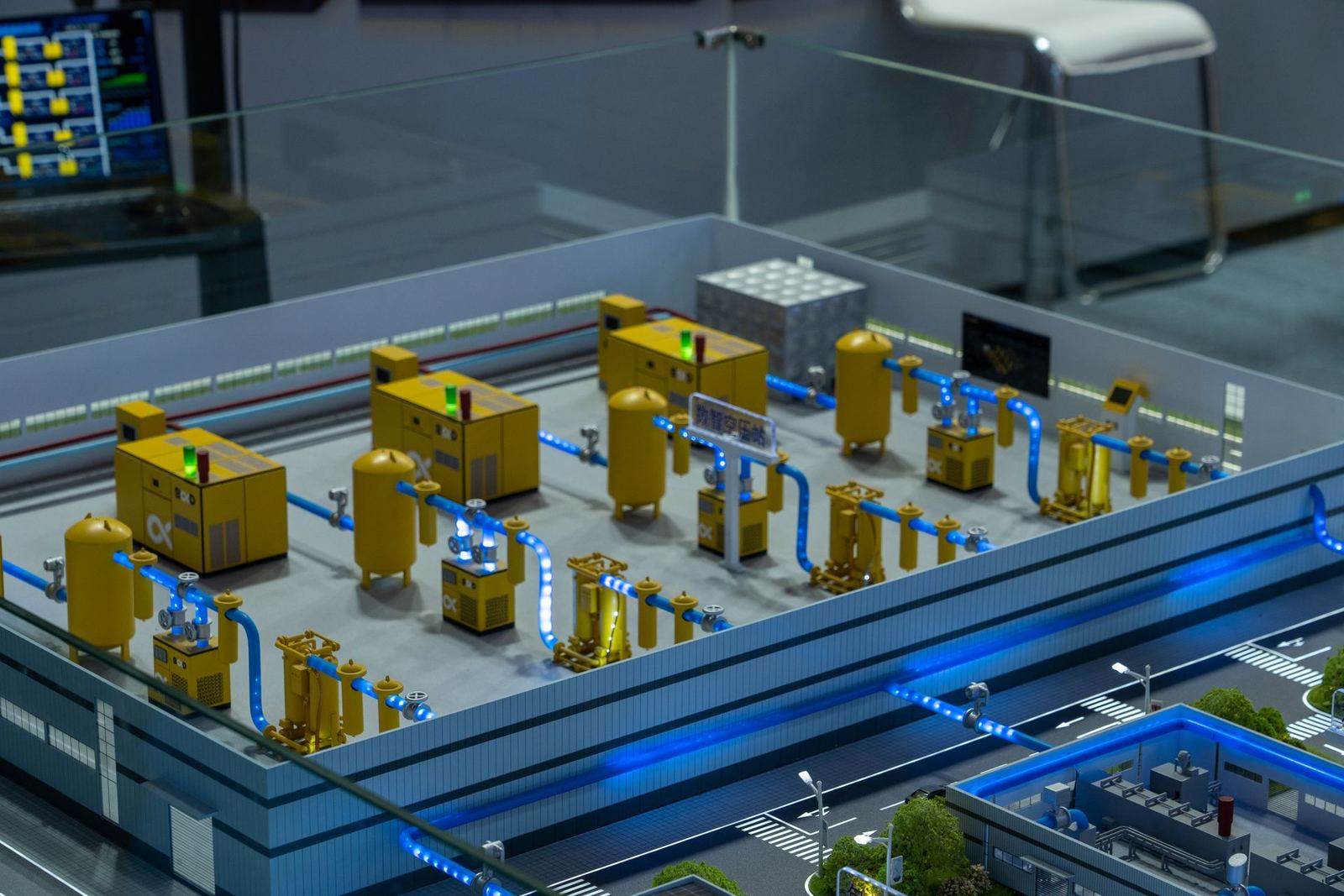
A digital twin is a faithful recreation of a real plant and its equipment in a 3D virtual space. TECH2030 scans plants with LiDAR and 360° photos to build the digital twin, places the data gathered through DT on top of it, and carries it on to a smart factory.
- 4
- StepsAssessment · Design · Build · Operation & adoption
- 3
- Related topics
- 4
- Languages
What TECH2030 does
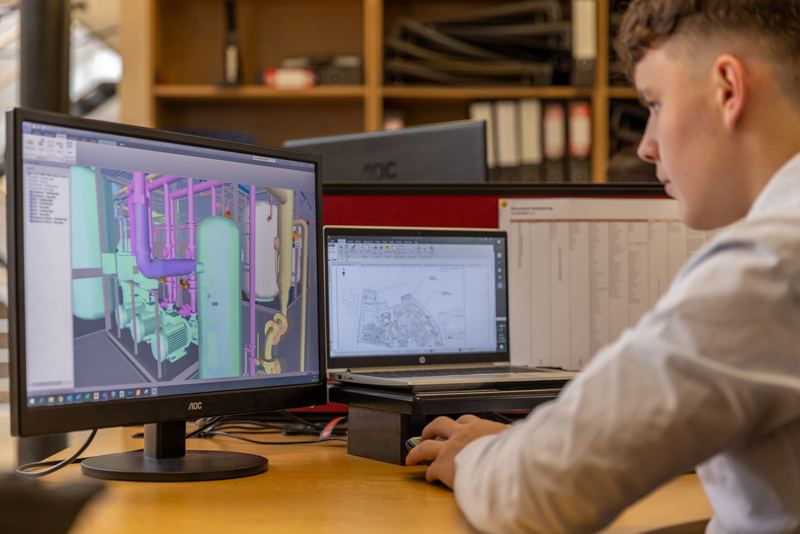
- We scan the plant and equipment with LiDAR and 360° photos and recreate them in 3D.
- We give each piece of equipment a unique ID and match it to the equipment codes in your existing MES.
- In edit mode you add, move, and rotate equipment to create a layout plan, save it as a version, and send it for manager approval.
- It opens on the web even on PCs without a graphics card and on phones.
- Production indicators are overlaid on the 3D view.
DT → Digital Twin → Smart Factory
The data gathered through DT becomes the foundation of the digital twin, and the smart factory runs on top of the digital twin.
Process — Assessment → Design → Build → Operation & Adoption
 STEP 1
Assessment
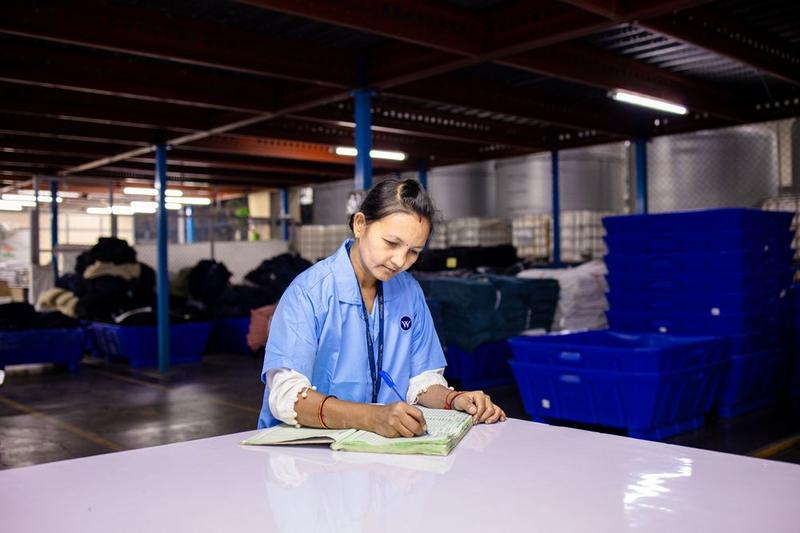
We confirm the scan scope, the equipment list, and your existing equipment codes.
 STEP 2
Design
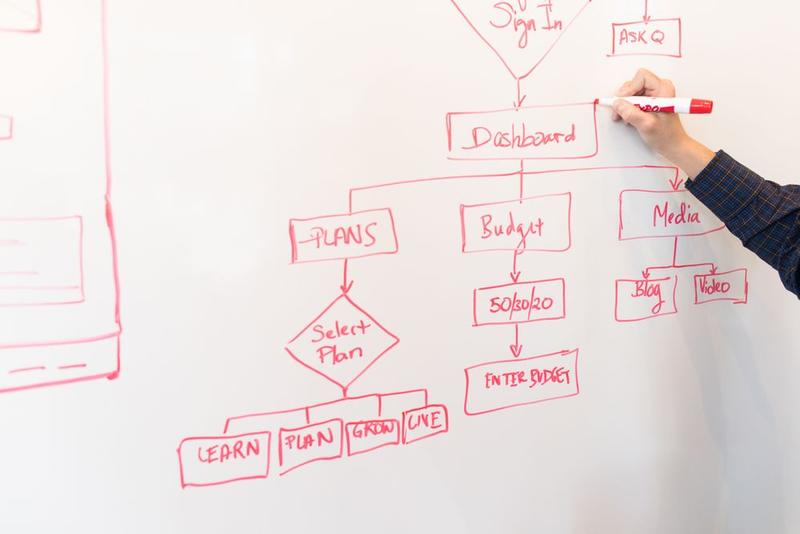
We decide the 3D model structure, the equipment numbering scheme, and the indicators to show.
 STEP 3
Build
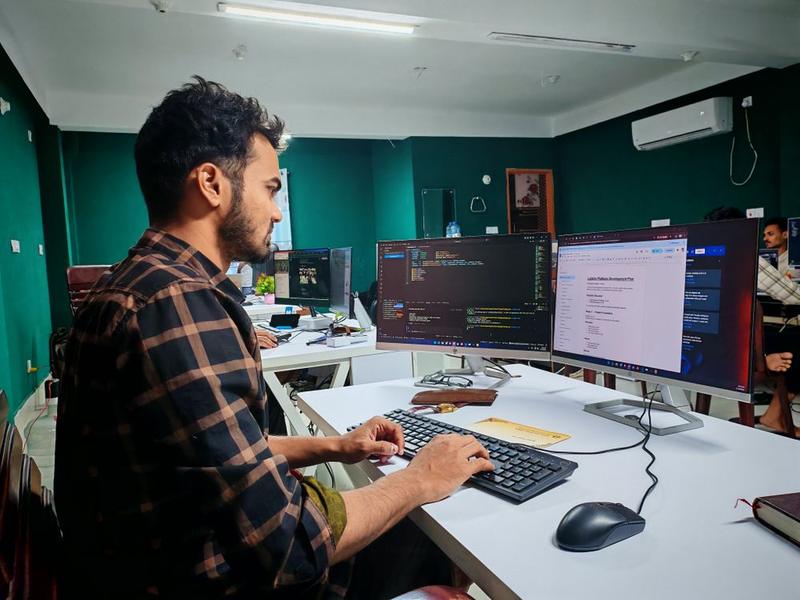
We do the scan, the 3D recreation, the edit mode, and the web view.
 STEP 4
Operation & adoption
We refine things while checking that layout changes are actually reviewed in edit mode.
Deliverables
- 3D model of the plant and equipment (unique ID per piece of equipment)
- Layout edit mode (versioned saves and approval)
- Web viewer (PCs and phones)
- Production indicators on the 3D view
What determines the scope
- The size of the space to scan and the number of areas
- The number and types of equipment
- Your existing equipment code system
- The indicators to show on the 3D view
Checklist before you start
- The plant and areas to scan
- Your equipment list and existing equipment codes
- Who approves layout changes
- The production indicators you want to see on the 3D view
- The devices you will mainly use (PC, phone)
Frequently asked questions
What is a digital twin made from?
We scan the plant and equipment with LiDAR and 360° photos and recreate them in 3D.
Do we need a high-end computer to view it?
No. It opens on the web even on PCs without a graphics card and on phones.
How do we try out a different equipment layout?
In edit mode you add, move, and rotate equipment to create a layout plan, save it, and send it for manager approval.
Does it connect to our existing MES?
We match the unique ID given to each piece of equipment to the equipment codes in your MES and show production indicators on the 3D view.
Do we need to do DT first?
The data gathered through DT becomes the foundation of the digital twin.