Manufacturing Simulation — Run It Virtually Before You Change It, and Apply Only When Output Rises
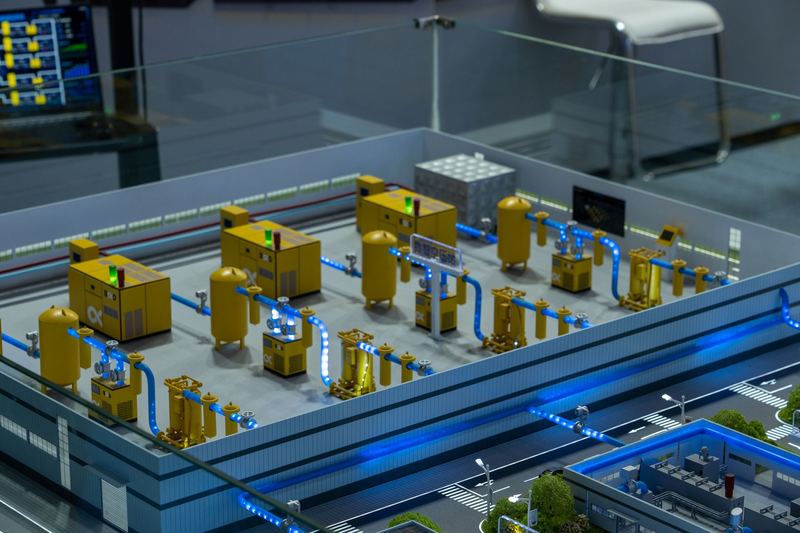
Manufacturing simulation means running a change virtually in a plant that has been moved into digital form, before actually changing a line or equipment. TECH2030 scans and digitizes all of the equipment in advance, and applies a change on the actual floor only when the result shows output rising above what it was before.
- 4
- StepsDraft a change · Run it virtually · Compare results · Apply on the floor
- 2
- Related topics
- 4
- Languages
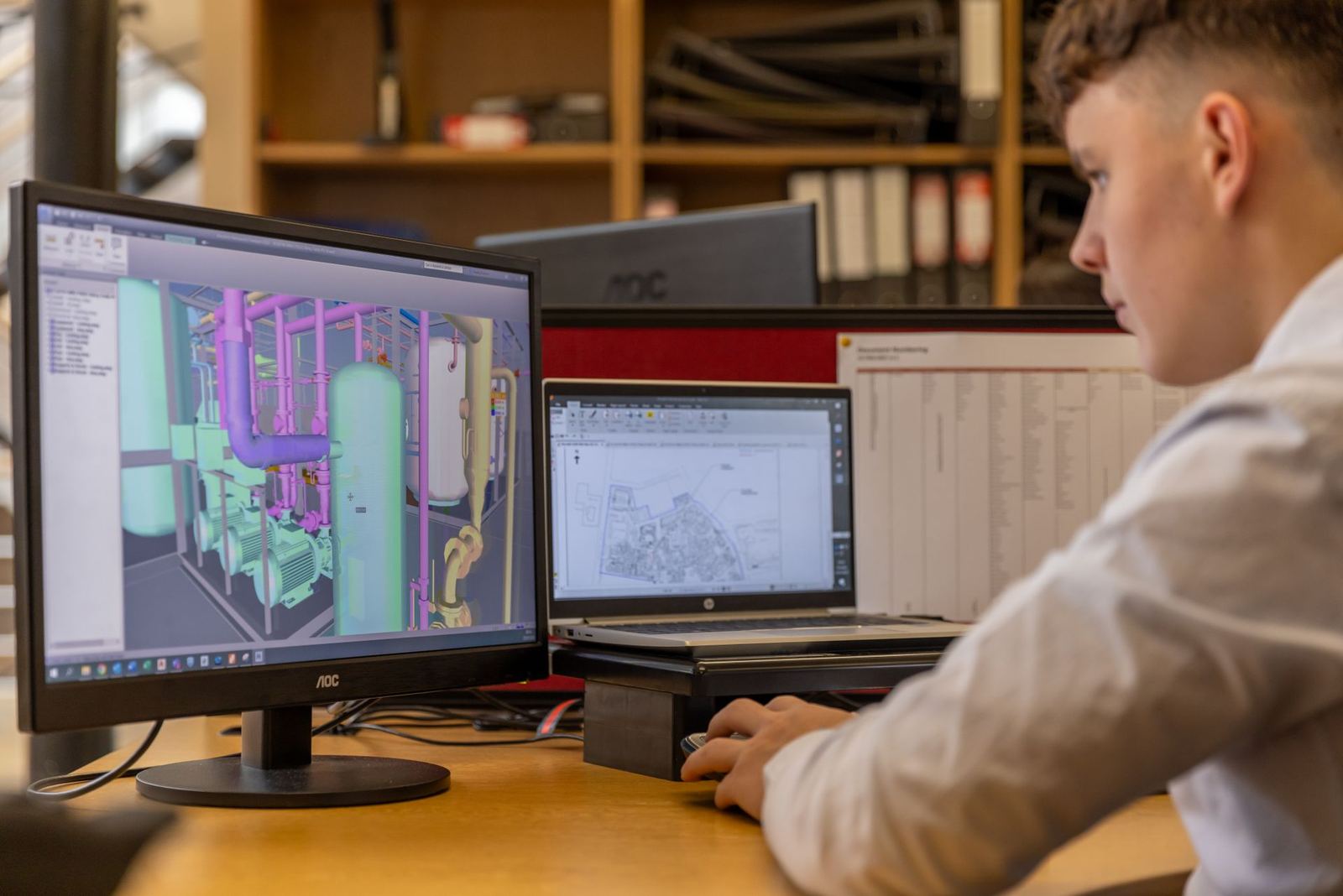
What TECH2030 does
- We scan and digitize all of the plant's equipment in advance.
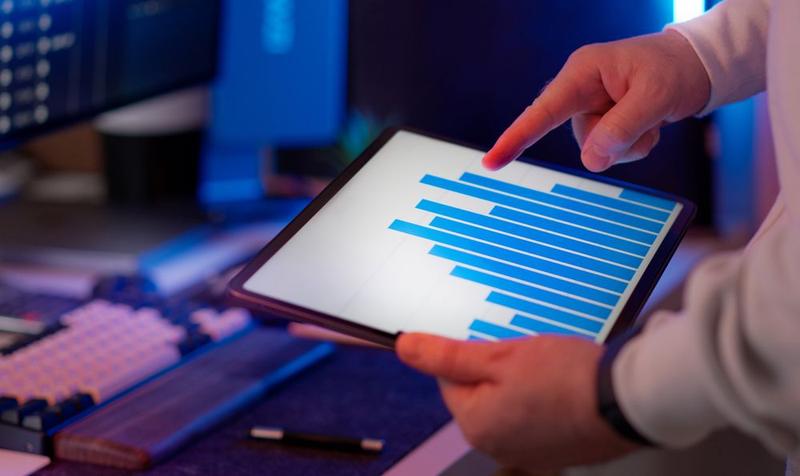
- When a line is changed or equipment is replaced, we first simulate it virtually on a dashboard.
- We apply it on the actual floor only when the result shows output rising above what it was before.
How it relates to the digital twin
Simulation takes place on top of the digital twin. You need the plant and equipment recreated in the digital twin to run changes virtually.
Steps up to applying a change
Draft a change
Prepare a line change or an equipment replacement plan.
Run it virtually
Simulate it on the dashboard.
Compare results
See whether output rises above what it was before.
Apply on the floor
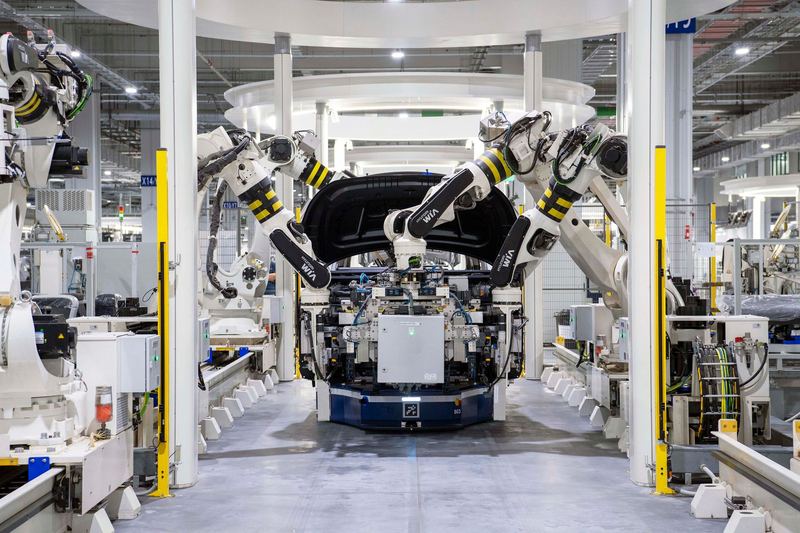
Make the real change only when the result shows an increase.
Process — Assessment → Design → Build → Operation & Adoption
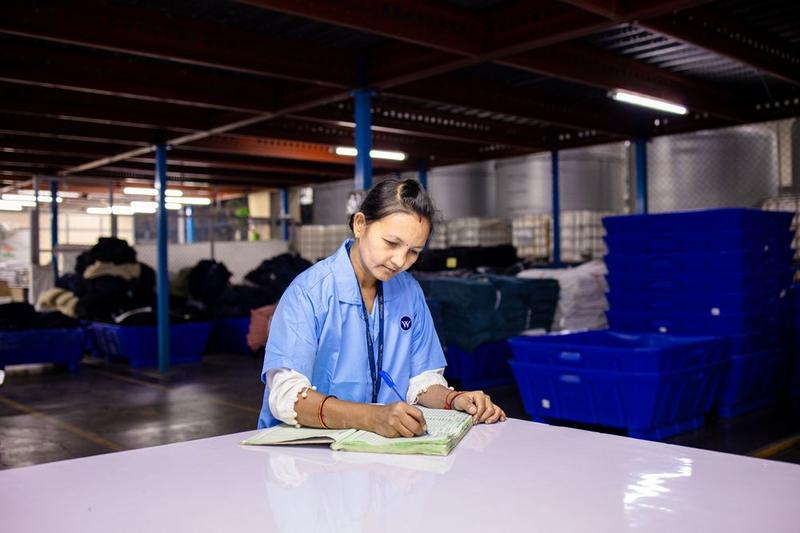 STEP 1
Assessment
We confirm the lines and equipment you want to change, and the current output that will serve as the baseline.
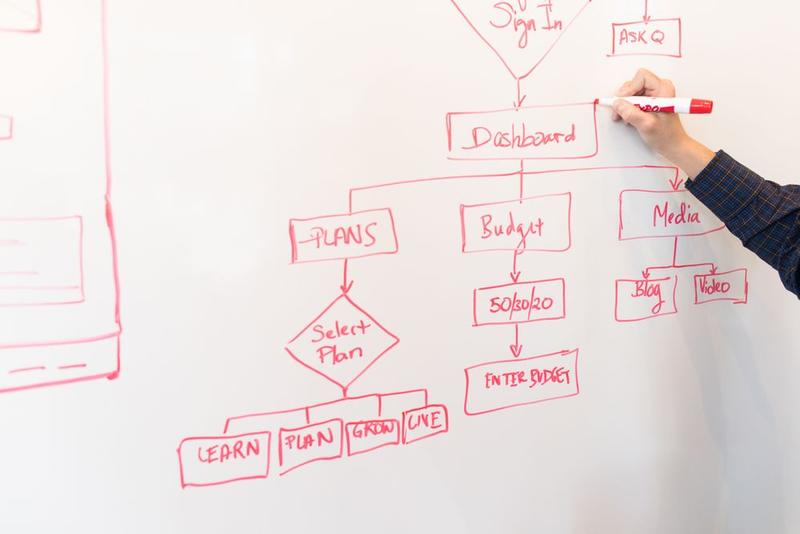 STEP 2
Design
We decide the equipment data to use in the simulation and how to compare results.
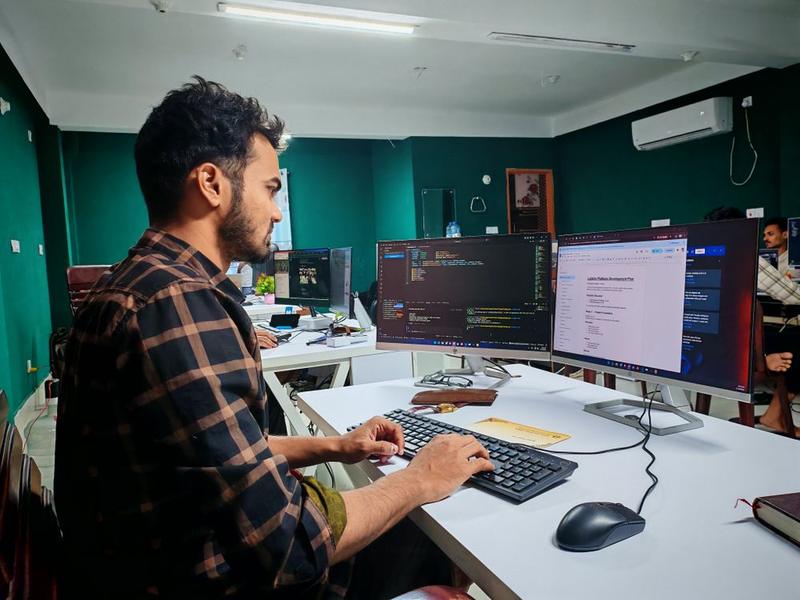 STEP 3
Build
We scan and digitize the equipment and build the dashboard simulation.
 STEP 4
Operation & adoption
We make it standard practice to run a simulation first whenever a line is changed or equipment is replaced.
Deliverables
- Digitized equipment
- Dashboard simulation
- Before-and-after output comparison
What determines the scope
- The number and types of equipment to digitize
- The kinds of changes to simulate (line changes, equipment replacements)
- The production data that will serve as the baseline
Checklist before you start
- The line you want to change or the equipment you want to replace
- Records of your current output
- Who decides on changes
- Whether you already have a digital twin
Frequently asked questions
When is the simulation done?
Before a line is changed or equipment is replaced.
What if the result isn't good?
A change is applied on the actual floor only when the result shows output rising above what it was before.
Do we need a digital twin?
The simulation runs on top of equipment that has been scanned and digitized.
Where do we see the results?
On the dashboard, where the virtual run is shown.